Qlub app
Download the Qlub app
Free and ad-free, for iPhone and Android.
iPhone

Android
01 — Getting started
Ready in three steps
Download the app
Free, on the App Store and Google Play.
 qlub.socialRecommended
Choose your server
qlub.social comes first; you can also sign in with an account from another Mastodon server.
 Follow
 Follow
 Follow
 local voices
Media, organizations, artists and communities, in a chronological feed.
02 — In the app
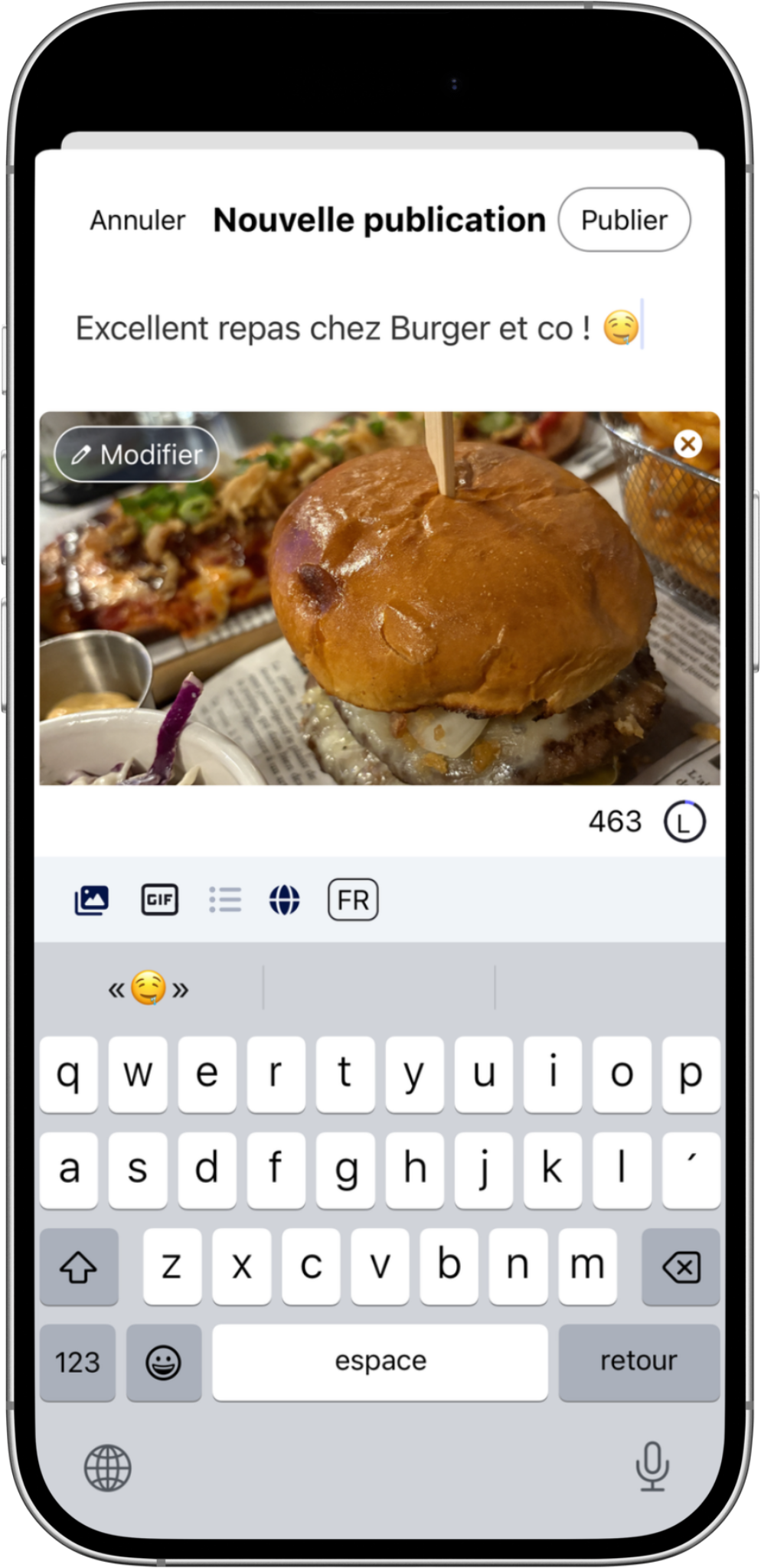
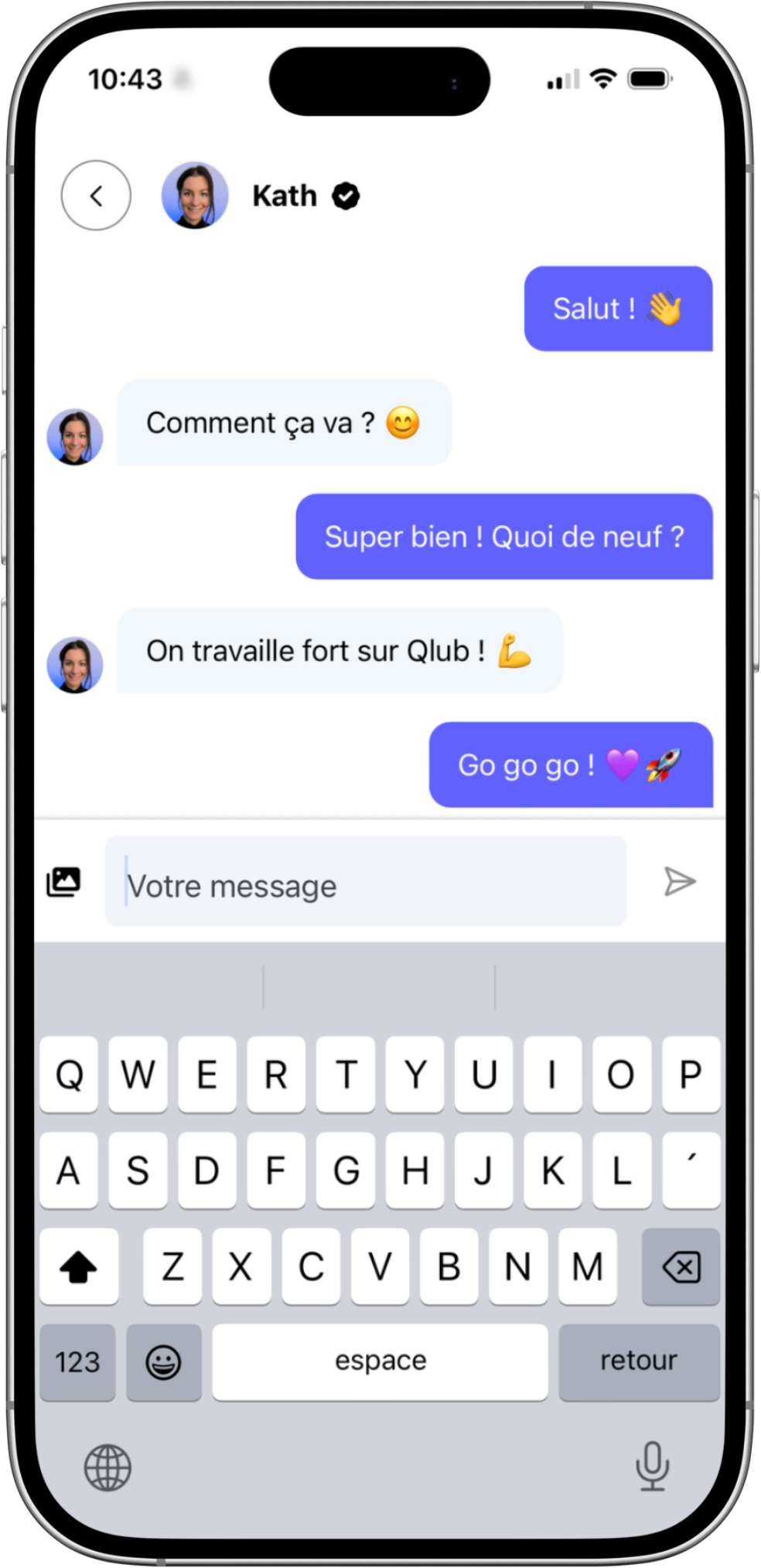
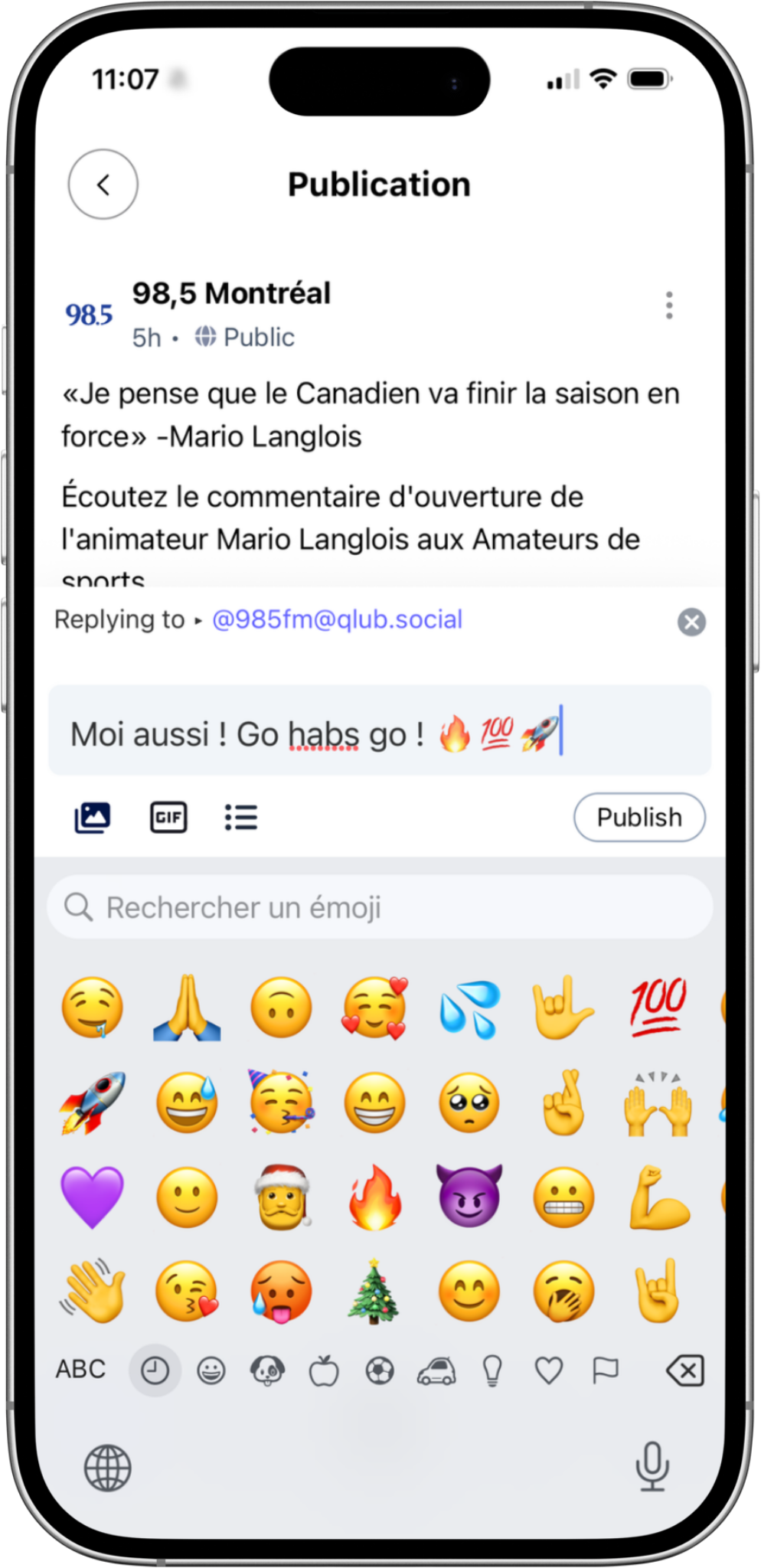
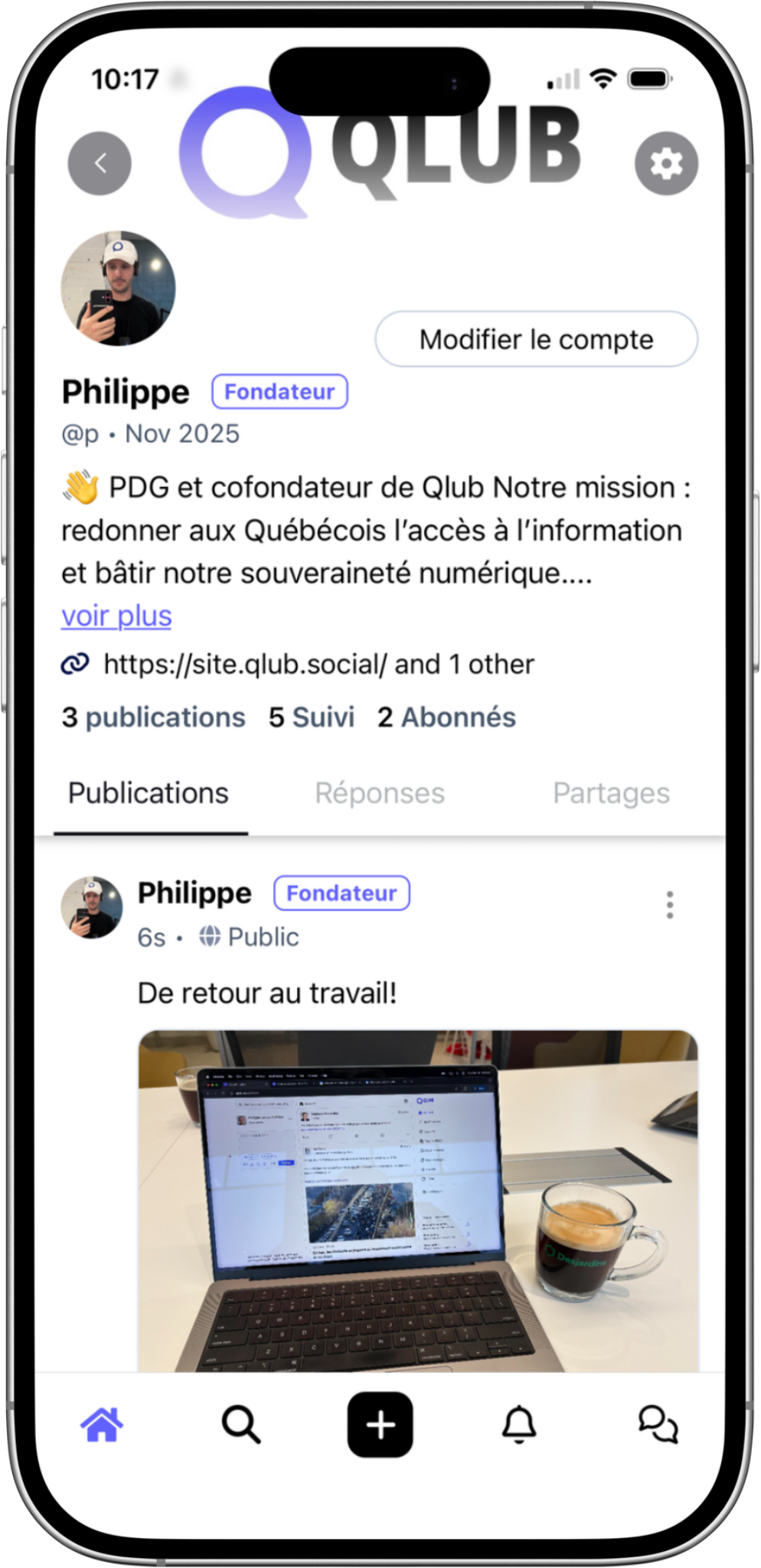
All of Qlub Social, in your pocket
03 — Why the Qlub app
Made for Qlub Social
Free and ad-free
No ads, no algorithm choosing for you.
In French and English
The Qlub app is available in both languages.
Open to the Fediverse
You can also sign in with an account from another Mastodon server.
Notifications your way
Choose in the settings which ones you want to receive.
FAQ
Frequently asked questions
I already have an account. Do I need a new one?
No. Sign in with your existing account in the app.
Can I use another Mastodon server?
Yes. The app suggests qlub.social first, but accepts accounts from other servers.
How much does it cost?
Nothing. The app and Qlub Social are free. You can support Qlub with Qlub+.
Are there ads?
No. Qlub Social doesn’t sell your attention to advertisers.
How do I manage notifications?
In the app settings, choose which notifications you want to receive.
Is the app available in English?
Yes. The Qlub app is available in French and English.
Where can I get help?
In the Qlub help centre.
See also our privacy policy or write to us.
Partners

Partner for the Qlub mobile apps for iPhone and Android.