
Qlub Pro
Your communications, on every network
Calendar, creation and publishing across eleven networks, with Qlub AI.
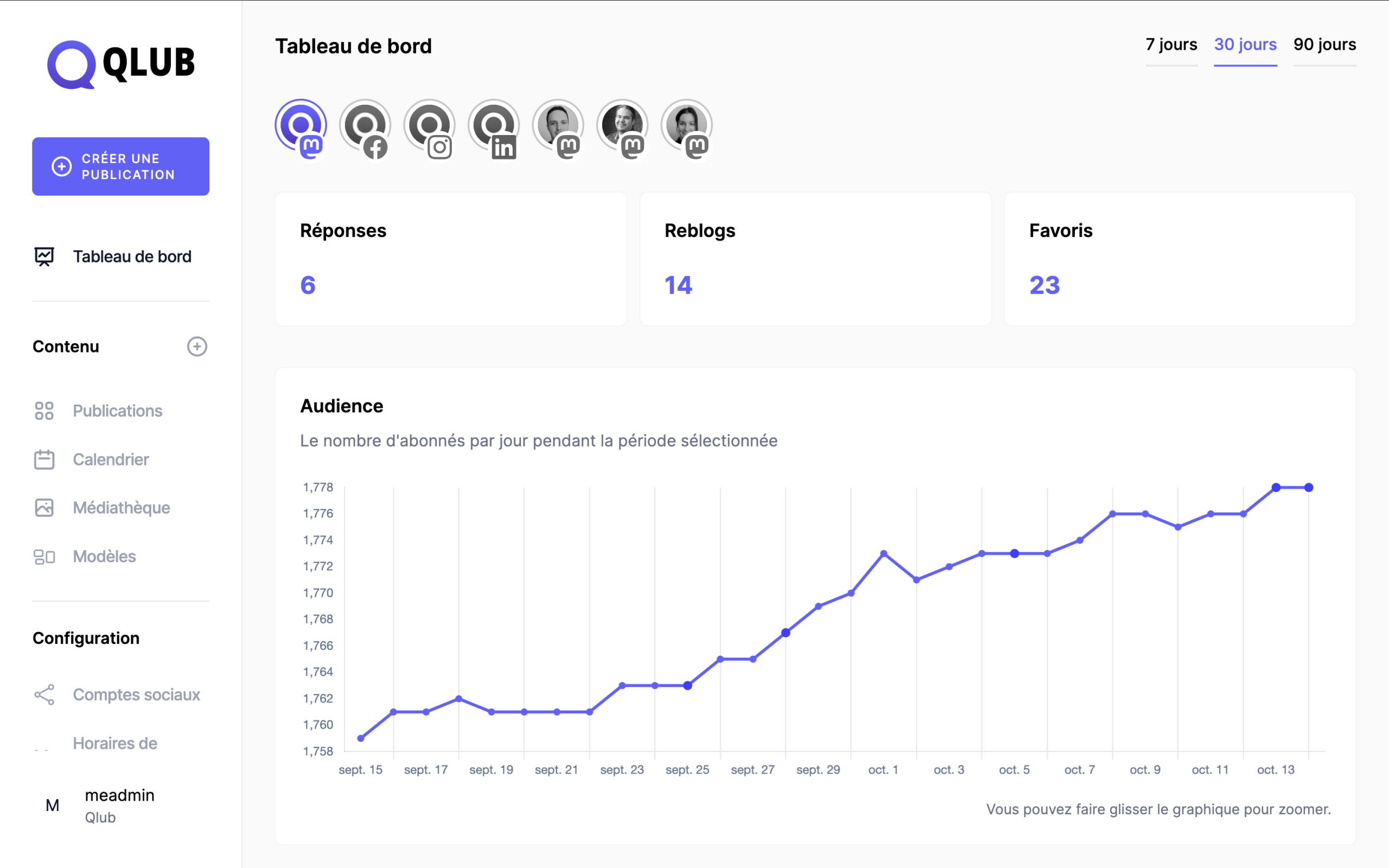
Publish to eleven networks, from one calendar
The Fediverse first, with Qlub Social and Qlub Photo and no ad algorithm, then the big platforms to reach your audience where it is.
- Mastodon (Qlub Social)
- YouTube
- Pixelfed (Qlub Photo)
- TikTok
- LinkedIn (profile and page)
- Bluesky
- X
- Threads
01 — What Qlub Pro does for you
Plan, create, publish
Publish to Qlub Social, Qlub Photo and the main networks, from a single calendar.
Plan
All your content, on all your networks, in one calendar.
Create with Qlub AI
Suggested drafts and one piece adapted for each network.
Publish everywhere
Qlub Social, Qlub Photo and the big platforms, at the planned time.
02 — In detail
Creation
Content creation assisted by Qlub AI
Qlub AI suggests drafts and adapts the same piece for each network: length, tone and hashtags. Your team reviews and adjusts before publishing.
adapt “2026 Annual Report” for 3 channels
3 drafts ready · length and tone adjusted for each channel
visuals suggested from the media library
scheduled for Thursday 10 a.m.
- MON
- TUE
- WED
- THU
- FRI
- SAT
- SUN
- 2Published
- 3
- 4Published
- 5PublishedPublished
- 6
- 7
- 8
- 9In review
- 10Scheduled
- 11ScheduledIn review
- 12Draft
- 13Scheduled
- 14
- 15Draft
The calendar
Your month of content, at a glance
The calendar shows what’s published, scheduled or in draft, for the whole team. Drag a post to move it.
03 — Features
Everything you need to publish efficiently
Calendar
Organize and move your posts right in the calendar.
Versions per network
Adapt each post to each network’s format and tone.
First comment
Automatically add a first comment to start the conversation.
Templates
Reuse your post templates.
Queue
Fill a queue and let Qlub Pro publish at natural times.
Hashtag groups
Keep your hashtags organized by theme.
Variables
Insert variable text at publishing time.
Media library
Find and reuse images, GIFs and videos.
Free images
Add Unsplash images or Tenor GIFs without leaving the tool.
Workspaces
Keep your brands, teams and their accounts separate.
Team review
Review together before publishing.
Activity and comments
Follow the history and collaborate on every post.
04 — They use Qlub Pro
“With Qlub Pro, our impressions grew by 143% on Facebook and 85% on Instagram in just one month. The tool is extremely easy to use, and scheduling our posts has never been easier. I recommend it to any business that wants a stronger online presence without spending hours on it.”
Ève Routhier · Boutique Expérience SK
05 — Tools
The tools behind Qlub Pro
For technical teams.
Mixpost
The open source social media management software Qlub Pro runs on, hosted in Québec.
FAQ
Your questions about Qlub Pro
Does Qlub Pro publish automatically?
Only what you scheduled. Qlub AI prepares the drafts, your team reviews them, then the post goes out at the planned time.
Where is our data hosted?
In Québec, on Qlub’s infrastructure.
Can we manage several brands?
Yes, with one workspace per brand or client.
How many accounts and users?
As many as you need: the setup is defined with you.
Is it available in French?
Yes. The interface is available in French and English, among other languages.
Can we see a demo?
Yes. Book a meeting and choose “Qlub Pro demo”.